Portail SH becomes Portail Code, with a steadier editor underneath
The desktop coding harness is now Portail Code everywhere it appears. This release also fixes several editor problems that could lose a handoff, leave stale tabs open, hide useful errors, or make light mode feel unfinished. Existing Portail SH settings and conversations move forward automatically, and the Windows download is now pinned to the exact v1.7.2 installer with a verified checksum.
393 words
Renamed the desktop product, its marketing pages, connection flow, metadata, installer, and documentation to Portail Code.
Made Cross-Connection handoffs wait for the correct project and fresh chat before sending work, preventing tasks from landing in the wrong or not-yet-ready session.
Added project-wide file search, a visible New chat control, safer handling for unsaved tabs, automatic refresh after agent edits, and clearer workspace errors.
Finished the editor's light and dark themes across Monaco, the terminal, markdown, diffs, scrollbars, focus states, and selection behavior.
Migrated existing Portail SH settings and session history once, without deleting the legacy copy, and pinned the public Windows download to the checksummed v1.7.2 installer.
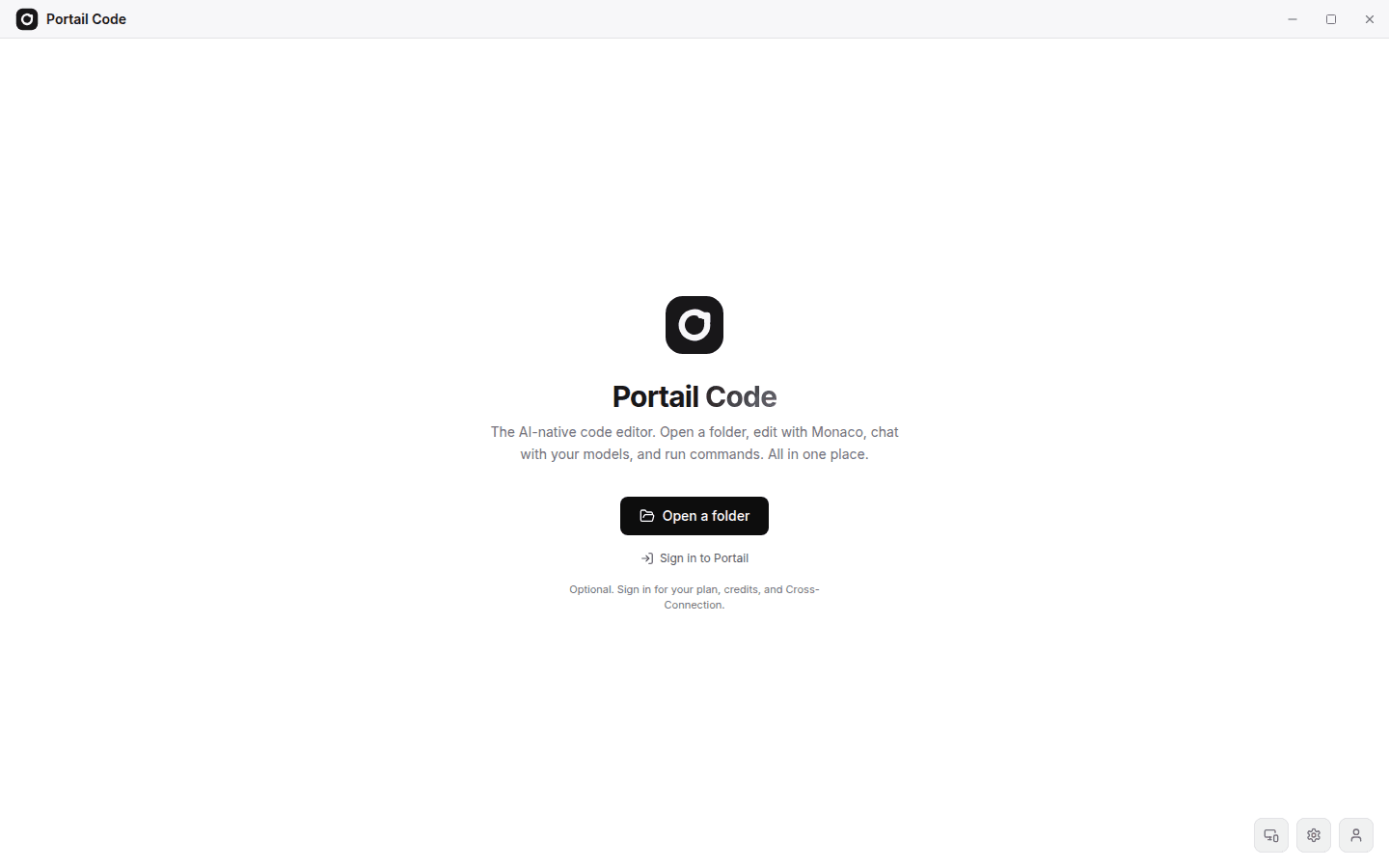
Portail SH is now Portail Code. The new name describes the product plainly and is consistent across the Windows application, its title bar and welcome screen, the website, the connection flow, search metadata, support copy, and internal package identity. The installer also carries the Portail Code name, so the file someone downloads matches the application they open. This is more than a surface rename: old local settings and saved chats are copied into the new Portail Code storage namespace the first time the release runs. The previous data stays in place so an older installation can still start safely.
The editor received a broad reliability pass at the same time. Cross-Connection tasks now claim one pending handoff, open or create the intended project, wait until the correct workspace and session are ready, create a fresh chat with the requested model, and only then start the task. That closes a timing gap where work could be sent before the editor was listening or could inherit the wrong conversation. Folder changes and dirty tabs now ask before discarding edits. New files cannot silently overwrite an existing file, deleted files disappear from the tab strip, agent changes refresh clean tabs, and file-system failures remain visible until they are dismissed.
Everyday navigation is stronger too. The command palette searches the full project instead of only files that are already open. A New chat button is always available in the session sidebar. Explorer operations refresh the right folder, nested deletes close their related tabs on Windows and Linux, and terminal sessions reset when the project changes. Keyboard shortcuts no longer compete for the same key, and their labels follow the operating system. Signing in is optional for local editing, while account features remain one click away.
The visual pass brings the editor back into Portail's shared design language. Monaco and the terminal now follow the selected light or dark theme, hardcoded dark surfaces are gone, focus rings and scrollbars use shared tokens, and code output, markdown, diffs, and messages can be selected and copied. Motion respects the system's reduced-motion preference. The generic terminal mark has been replaced with the Portail loop, including the Windows installer icon. Finally, the public download route is configured to serve this exact v1.7.2 installer and verify its SHA-256 digest before returning it, preventing a stale build from being presented as the latest release.
Screenshots