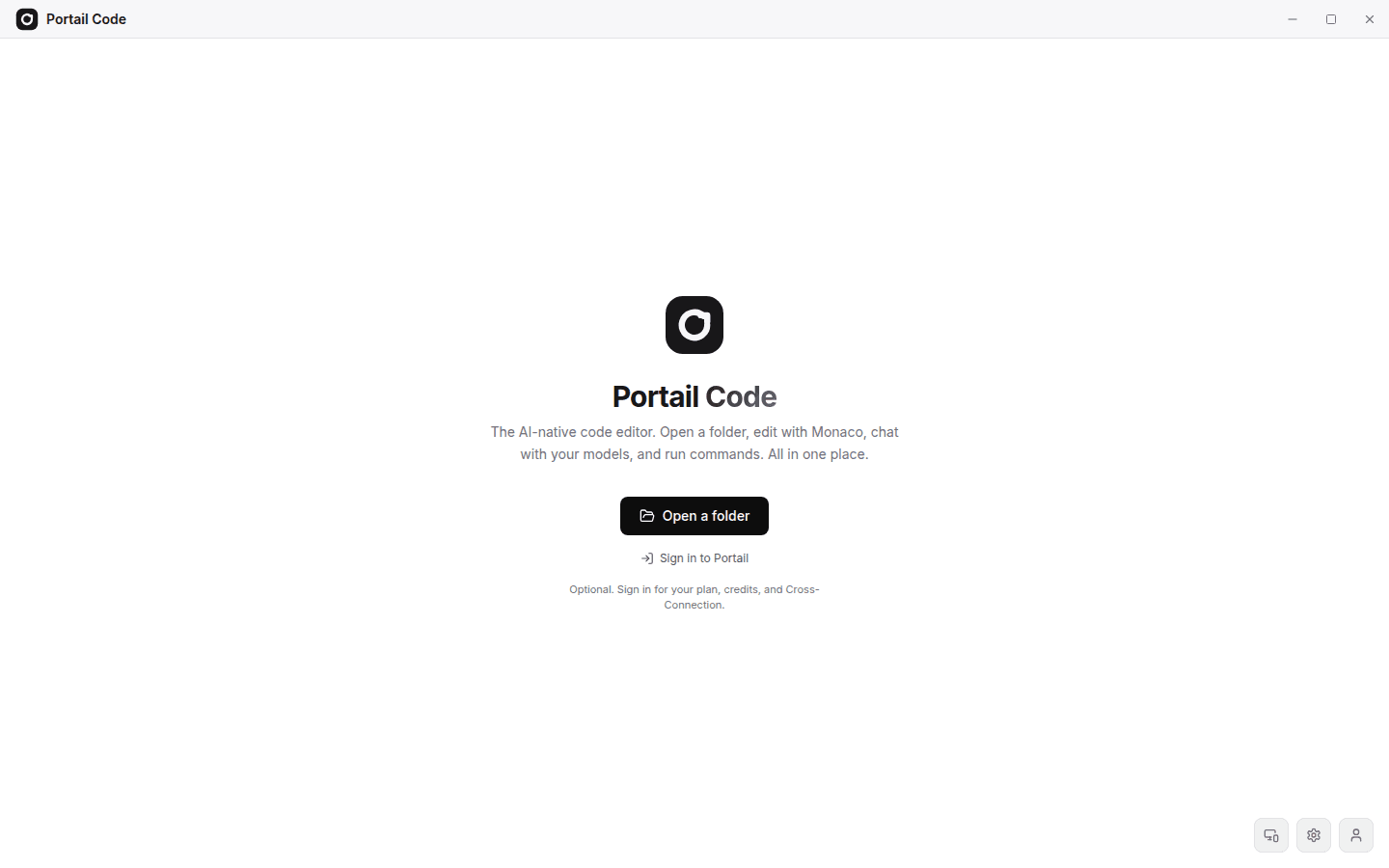
Portail Code comes to Linux, and the model switcher stops hiding itself
The Portail Code marketing site now offers a Linux AppImage download alongside the Windows installer, served through the same checksum-verified route. Separately, the model switcher's dropdown could render partly off-screen once the search field grabbed focus, because it sized itself against a static viewport unit that a mobile keyboard does not shrink. It now measures the space actually available and adapts to it.
423 words
Added a Linux (AppImage) download button to code.portail.cc, backed by a new /api/download/linux route that mirrors the Windows installer's checksum verification.
Introduced per-platform installer configuration (directory, filename, SHA-256) so Windows and Linux artifacts are each validated independently before being served.
Fixed the chat model switcher dropdown rendering partly outside the visible screen when it opened near the bottom of the viewport or while a mobile keyboard was open.
The dropdown now measures real available space, including the visual viewport shrunk by an on-screen keyboard, and clamps and scrolls itself to fit instead of overflowing.
Portail Code's public download page previously offered only a Windows installer, even though the desktop editor itself is built on Electron and already ships cross-platform. This release adds a matching Linux path: a new AppImage download button sits next to the Windows one on code.portail.cc, and a dedicated /api/download/linux route serves it. The route follows the same integrity pattern the Windows download already used — it resolves the installer from a configured directory, verifies its filename against an explicit allowlisted pattern, and checks its SHA-256 digest with a constant-time comparison before streaming it to the browser, so a stale or tampered build can never be served as the current release. Windows and Linux installers are now each configured through their own directory, filename, and checksum environment variables, so updating one platform's artifact never risks silently mismatching the other.
The second fix addresses a display bug in the chat model switcher, the dropdown used to pick a single model or, in Council mode, several models at once. The dropdown positions itself relative to the button that opens it, and its list of providers was capped at a fixed viewport-relative height. That worked fine on a typical desktop window, but broke down in two related situations: when the switcher's trigger sat low on the screen (for example, inside the message composer) and the dropdown opened upward, and separately when a phone's on-screen keyboard appeared after the search field auto-focused. In both cases the dropdown could need more room than was actually visible, and because CSS viewport units like vh do not shrink when a mobile keyboard covers part of the screen, the list would render taller than the true visible area and get clipped, sometimes badly enough that the search box and the first few providers were the only thing reachable.
The fix replaces that static sizing with a measurement that runs right before the dropdown paints and again whenever the visible area changes. It reads the button's real position on screen and, where the browser exposes it, the visualViewport height, which does account for an open keyboard, unlike the page's layout viewport. From those two numbers it works out how much vertical space genuinely exists between the button and whichever screen edge the dropdown opens toward, and caps the dropdown at that size. The scrollable list of providers now grows to fill whatever room remains rather than assuming a fixed amount, so long provider lists still scroll cleanly, but the dropdown itself never renders outside what the user can actually see and interact with.
Screenshots