Projects: your instructions and files, attached to the work
A project is a named container holding custom instructions and reference files, and every chat you start inside it follows them. Set one up for anything you come back to, and stop re-explaining the same context at the top of every conversation. Your three most recent projects now sit above the chat list in the sidebar, with the rest on a new Projects page.
719 words
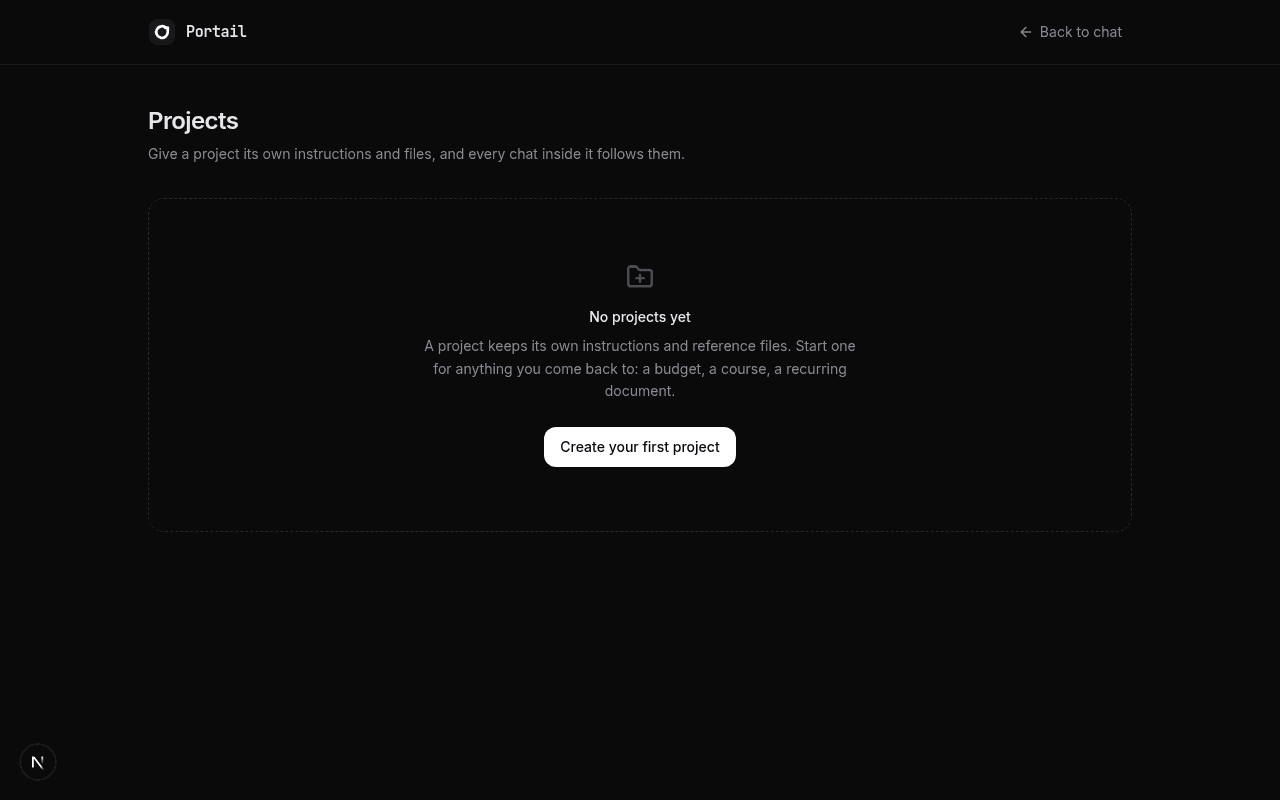
New Projects surface at /projects, with a card grid and a detail page for each project.
Per-project custom instructions apply automatically to every chat started inside that project.
Attach reference files to a project; the model reads them when a conversation actually needs them.
The sidebar now pins your three most recent projects above a labelled Chats list.
Free accounts get 2 projects with 3 files each; paid plans get unlimited projects with 20 files each.
Full English and Russian copy, consistent with the rest of the interface.
Portail already remembers things about you across conversations. What it could not do was let you decide, deliberately and in one place, how it should behave for a particular piece of ongoing work. If you wanted the same formatting every time, or wanted a reference document kept close at hand, you retyped the instructions at the top of each new chat and re-uploaded the file. That worked, but it put the burden in the wrong place: on you, repeatedly, forever.
This release adds Projects. A project is a named container with two things inside it: custom instructions, and reference files. Every chat you start inside a project follows those instructions automatically, and can read those files when it needs them. The instructions are yours to write in plain language, and you can change them at any time without touching the conversations already inside.
The clearest way to understand it is through the kind of work people actually repeat. Say you are counting calories. You create a project, write instructions telling the model that every time you send a photo of food it should reply with a table of calories, protein, carbs, and fat, and then a running total for the day. From then on, every chat in that project does exactly that. You send a picture, you get the table. No preamble, no reminding it what format you wanted.
Or take a high school counsellor building student transcripts. The project holds the instructions describing what to ask for and how the finished document should be laid out, and it holds the template file itself. When a chat in that project needs the template's exact wording or structure, it reads it. The counsellor describes a student once instead of re-establishing the whole format on every request.
Files are handled with some care, because the obvious approach is expensive. Stuffing every attached document into every message would mean paying for your entire reference library on every turn, including the turns where you just said hello. Instead, when you attach a file, Portail extracts its text once and builds a short index of what the file covers. The model sees that index on every turn, so it knows what exists, and pulls a file's actual contents only when the conversation genuinely calls for it. In practice this means a project can hold a long contract or a dense spreadsheet without every casual message becoming costly.
The sidebar was reorganised to make room. Your three most recent projects sit in a labelled Projects section directly above your chats, with a See all link through to the full grid. The chat list beneath it now carries its own Chats label and still shows every conversation, untruncated. Chats that belong to a project are not mixed into that list; they live on the project's own page, which keeps the sidebar from filling up with work that already has a home. Everything else in the sidebar, including search, the collapse control, and the links across to Code and Agents, is exactly where it was.
Each project's page is the place to manage it. Instructions are editable inline. Files can be added or removed, and files that turn out to hold no readable text, such as a photograph or a scanned page, are marked as such rather than silently failing. The project's chats are listed underneath, and a single button starts a new one already scoped to that project. A chat that belongs to a project also says so in the header, linking back, so you are never following instructions you cannot see.
On the security side, a project follows the same rule as Portail's memory: the chat request carries only the project's id, and the server loads the instructions and files itself using your account. Nothing about a project's contents travels in a request that a browser could edit, which means nobody can inflate their own instructions, borrow someone else's project, or run up a bill by hand-editing what gets sent.
Projects are available on every plan. Free accounts can keep two projects with three files each, which is enough to set one up properly and see whether it fits how you work. Paid plans get unlimited projects and twenty files each. The interface is fully translated into English and Russian, like the rest of Portail.
Screenshots