Auto mode picks a model on merit, and image previews open full size
Auto mode was quietly sending almost every message to the cheapest model in the lineup, no matter how hard the question was. It now makes a real routing decision per message, so a stack trace reaches a coding model and a proof reaches a reasoning model while small talk still goes somewhere fast and cheap. Image previews also stopped opening in a cramped, clipped box, and the Projects page got a cleaner layout.
439 words
Auto mode now judges each message with a real routing pass instead of counting characters, and routes to one of five lanes: fast, balanced, general, code, or deep.
Code, stack traces, attachments and long messages can no longer be answered by the cheapest tier, whatever the router decides.
The routing pass costs you nothing: it runs on a small model outside your credit allowance, and falls back instantly if it is slow or unavailable.
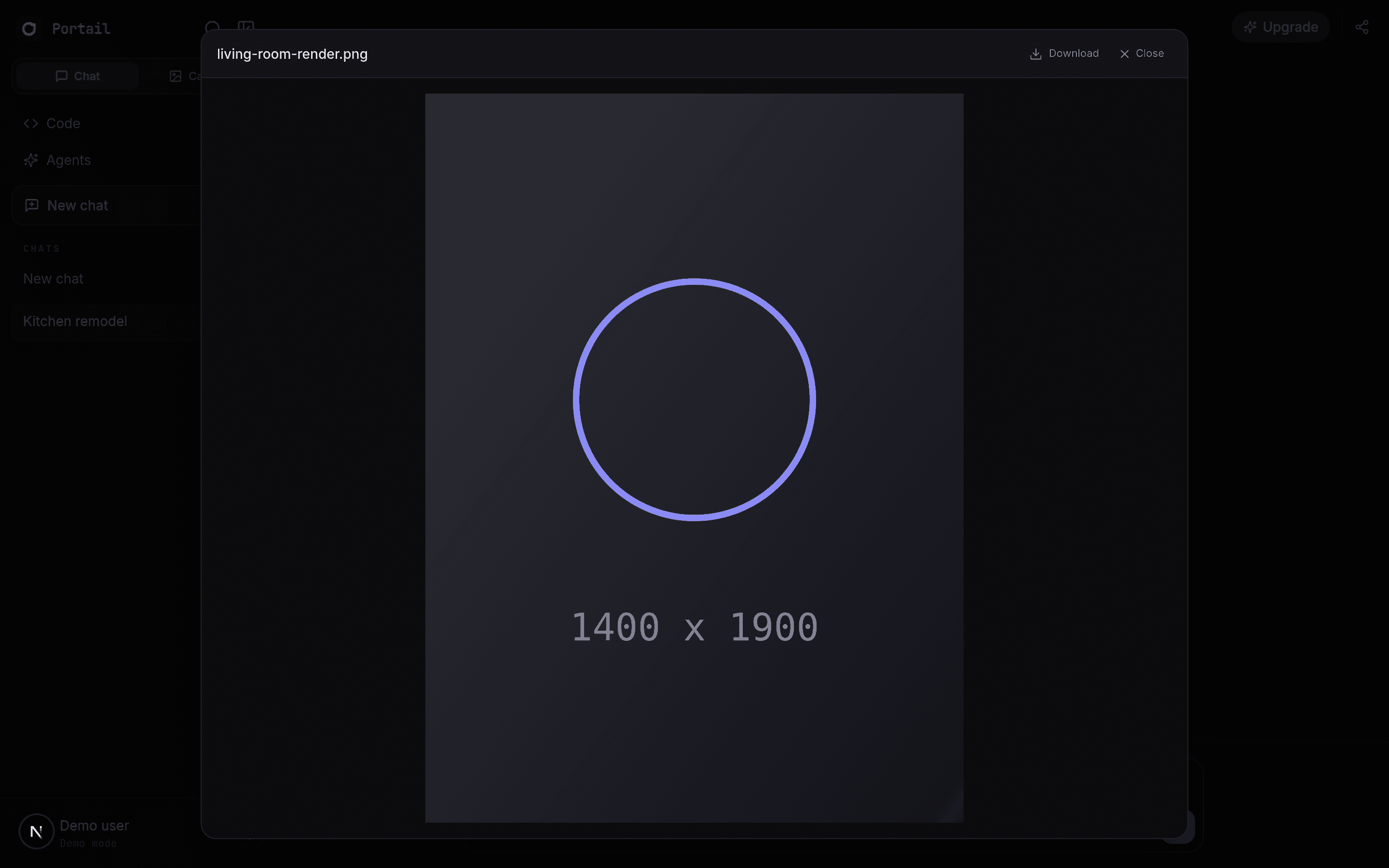
Image previews open at full size again instead of being clipped inside the message bubble behind a scrollbar.
Image thumbnails show the whole picture rather than a cropped band, and an image that no longer loads says so instead of leaving an empty frame.
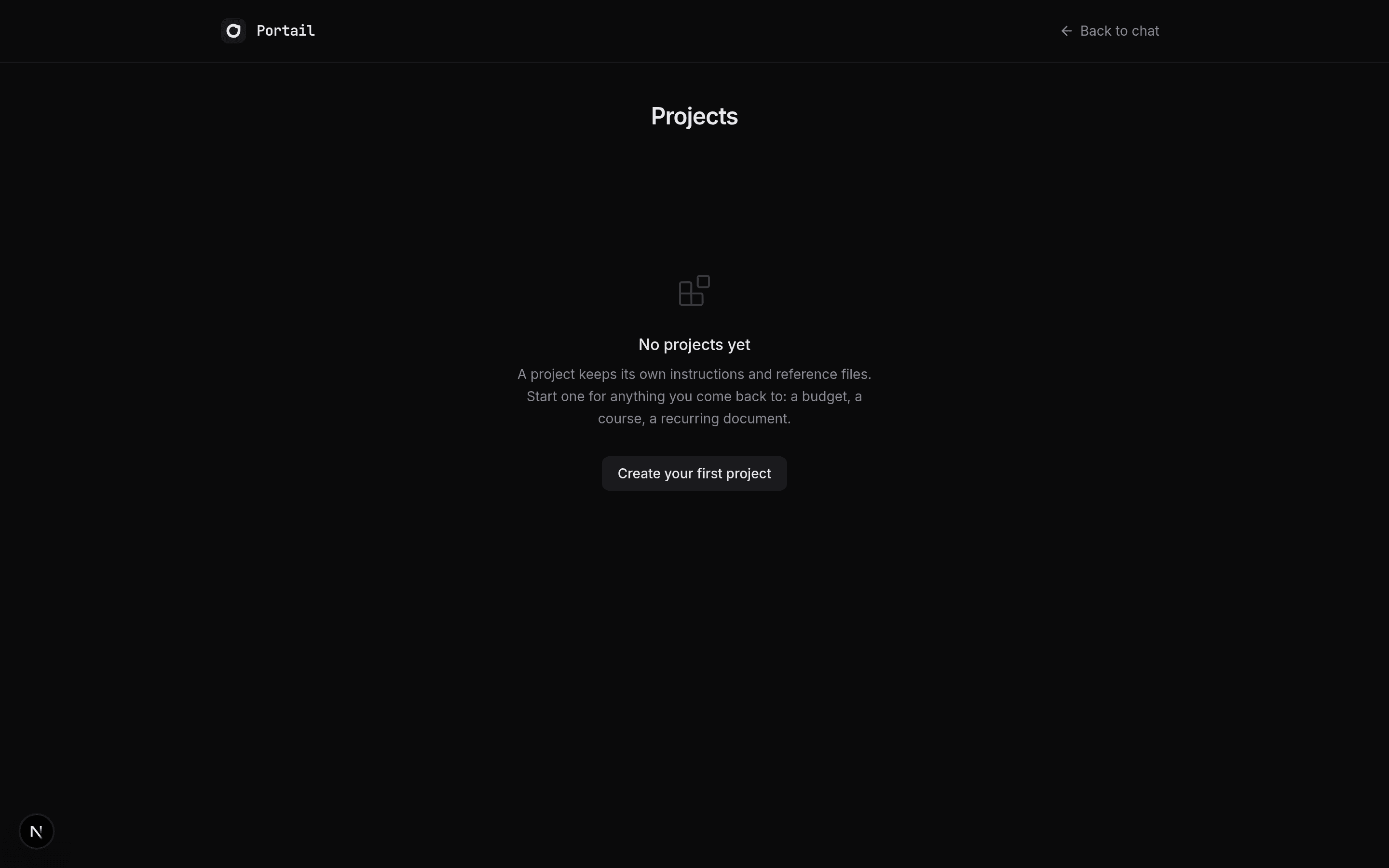
The Projects page has a centred header with search and sort, and a cleaner empty state.
Auto mode has one job: read your message and hand it to the model best suited to answer it. For a while it was not doing that job. The scoring it used started every message at zero and demanded a fairly high score before it would consider anything above the cheapest tier, and short messages could almost never reach that bar. The practical result was that a greeting, a request to design a database schema, and a request to debug a React component all landed on the same small model. Some of those answers were fine. Many were not, and the ones that were not looked like the model being weak rather than the routing being wrong.
Routing now works differently. Each message gets a genuine classification pass on a small, fast model that reads the message and the two turns before it, then picks one of five lanes. Small talk and single fact lookups go to the quick tier. Ordinary questions with some substance go to a mid tier. Real questions that need to be correct go to a strong general model. Code, debugging and technical work go to a model chosen for exactly that. Mathematics, system design, subtle debugging and anything where a wrong answer is expensive go to a flagship.
That extra step is deliberately cheap and deliberately optional. It adds under a second before the answer starts, it runs outside your credit allowance so you are not billed for it, and if it is slow or unreachable the request falls straight through to a keyword based fallback and continues. There is also a floor the router cannot go under: a message carrying a code block, a stack trace, an attachment, or a lot of text will never be answered by the cheapest tier, no matter what the routing pass decides. Auto mode still will not reach for the most expensive reasoning models on its own, because it spends your credits without asking first.
Two interface fixes ship alongside it. Opening an image attachment used to produce a small, clipped box with the picture cut off behind an inner scrollbar, which was worse on short windows. The preview was being trapped inside the message it came from, and it now opens properly across the whole screen and fits the entire image at any window size. Thumbnails also show the whole picture instead of a cropped centre band, and an image that can no longer be loaded now names itself instead of leaving a blank frame. Finally, the Projects page has a centred header with search and sort controls, and an empty state with room around it.
Screenshots